
Influenza Vaccinations
Before you begin
The method of prescribing an influenza vaccination explained below is different to that of recording vaccinations via the Immunisations Tab.
Ctrl + F1
From the Clinical window, click .
Procedure
-
From the Clinical
Window select . The Select Drug window appears, pre-populated
with influenza vaccinations.
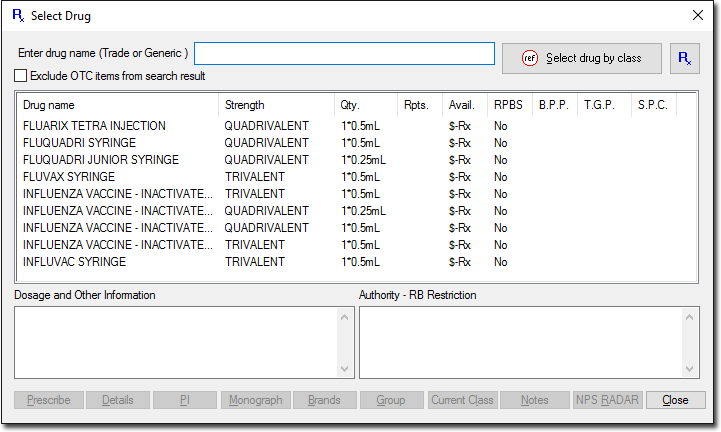
- Select the vaccine you wish to prescribe. Click Prescribe.
- Conduct the remaining steps as per any standard prescription.