
Searching Product Information
Search for the product information for available drugs in the MDref database.
About this task
Procedure
To search for Product Information:
-
Use one of the following methods to open the Product
Information browser:
- On the Toolbar, click the
 Product Information icon.
 - From the main window, press F12.
- In the Clinical window, select .
- On the Toolbar, click the
-
In the Find Drug field, enter the search
criteria for the drug.
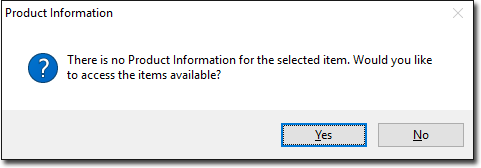
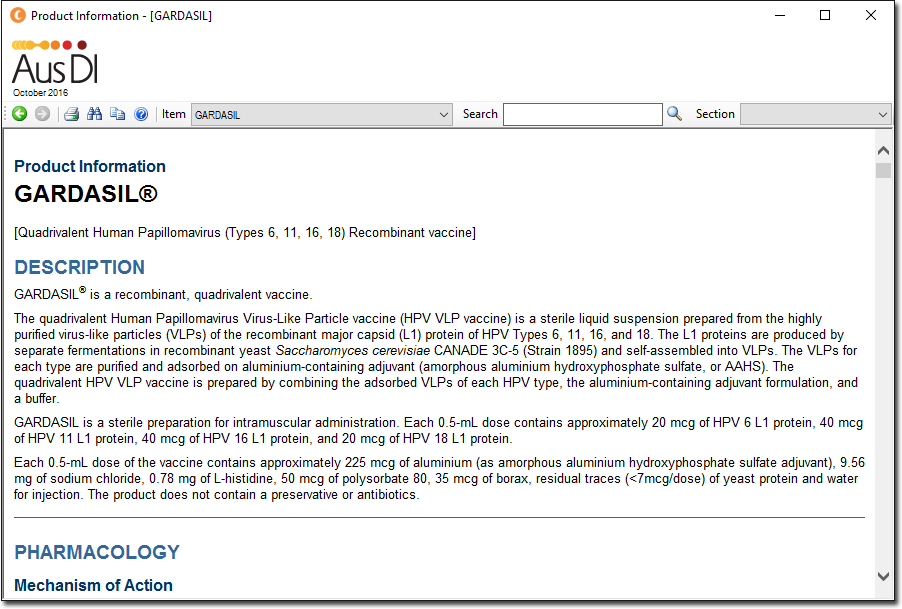
If no PI is available for the selected item, a message is displayed that no Product Information is available for the selected item. To access the items available in the Product Information browser, click Yes. Otherwise, click No.
Results
What to do next
- To return to the main window, click Close.
- To copy the information to the clipboard, click
 Copy.
Copy. - To print the information, click
 Print.