
Add Item Numbers to a Patient's Progress Notes
Before you begin
Procedure
To add item numbers to a progress note:
-
Select the Progress tab in the patient's clinical
record.
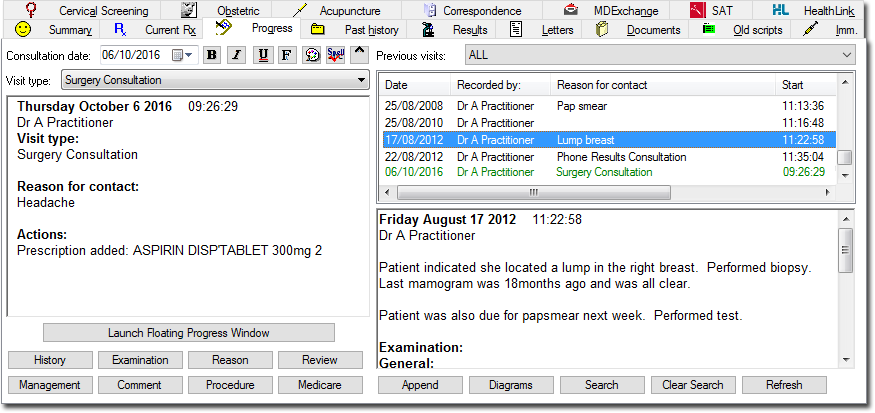
-
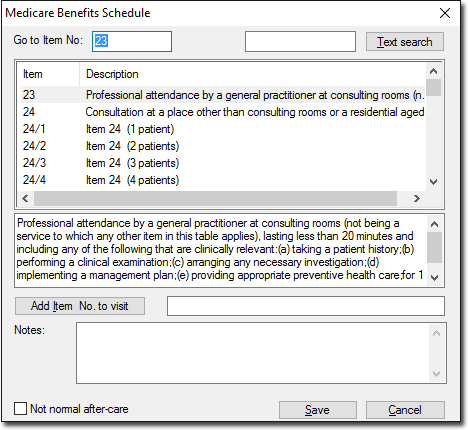
Click Medicare. The Medicare Benefits
Schedule window appears.
Results
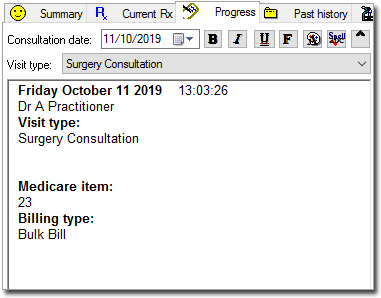
Once the item has been added to the patient's Progress Notes, you can also enter the
type of billing to be applied to the item. For example, Bulk Bill in the example below.
What to do next
If integrated with Pracsoft, this information will be transferred to the Billing Type column of the Pracsoft Waiting Room.
The information can also be fed back to the MedicalDirector Pracsoft Consultation Viewer or a third-party billing package using Clinical's VISITS.OUT file. There is also provision for the entry of Notes/Comments on this window. Notes entered here are also saved to the VISITS.OUT file.