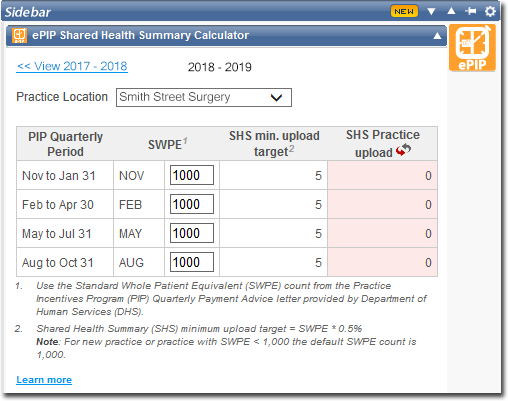
Installing the ePIP Shared Health Summary Calculator Widget
Install the ePIP Shared Health Summary Calculator widget to track compliance with the quarterly eHealth Practice Incentives Program (PIP) for Shared Health Summary uploads to the My Health Record service.
Procedure
-
From the Clinical
front screen, click
 Settings, located at the top-right of
the window.
Settings, located at the top-right of
the window.
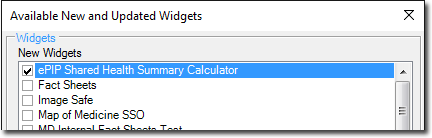
- Select Check for New/Updated Widgets. The Available New and Updated Widgets window appears.
-
Locate and select the ePIP Shared Health Summary Calculator widget.
-
Click

The widget is downloaded and installed. - You will be prompted when complete. Click OK on the Installation Complete window.
-
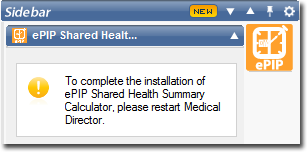
If prompted as shown below, restart Clinical.
Results