
System Configuration
Use system configurations to connect to patient databases.
Clinical and Pracsoft can connect to
multiple patient databases. If you travel from one surgery to another to work with
different patients, you might need to connect to the patient database at each surgery. To
do this, you need to provide Clinical or Pracsoft with some basic information including:
- The name of the database
- The name of the server on which the database resides
- The server's address
These settings are saved in a record known as a configuration. When you log in, you select a configuration, select your username, and enter your password.
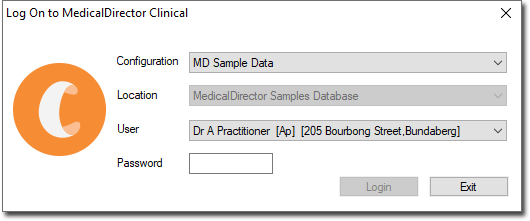
Configurations are managed in MedicalDirector Maintenance.