
System Report
Before you begin
Procedure
To view a report of your computer system:
-
Locate and double-click the MedicalDirector Maintenance icon
 on
your desktop. The MedicalDirector Maintenance window
appears.
on
your desktop. The MedicalDirector Maintenance window
appears.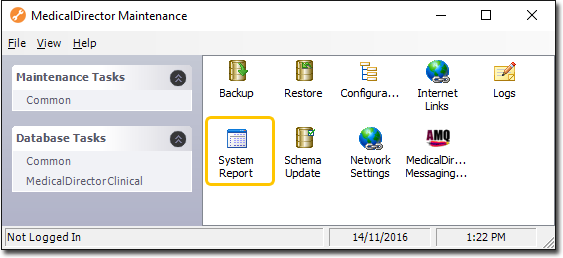
-
Double-click
 System Report. The System
Report window appears.
System Report. The System
Report window appears.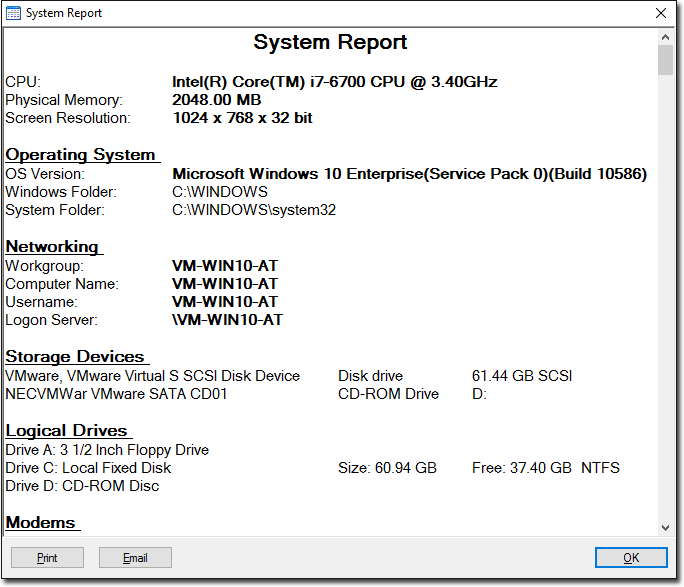
- Click Print to print or Email to email the system report.
- Click OK to close this window and return to the Maintenance Utility.