
Custom Options
Clinical provides numerous user-definable options for tailoring the program to your requirements.
Before you begin
Requires you have permissions access.
Procedure
-
Select . The Options window appears.
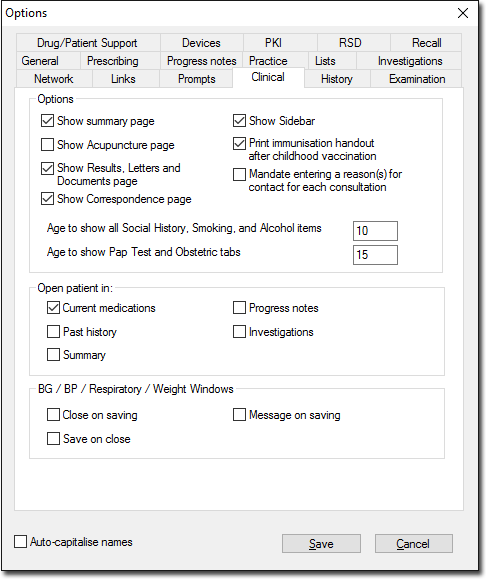
Clinical provides numerous user-definable options for tailoring the program to your requirements.
Requires you have permissions access.