Add or update a patient's photo.
Procedure
-
Open the patient's record.
-
From within the patient's record, either;
- Right-click the photo place holder and select Change Photo from the menu that appears, or
- Select .
-
The Select Photo to Import window appears. Locate and select
the image file you wish to use as the patient portrait photograph, and then click
Open
-
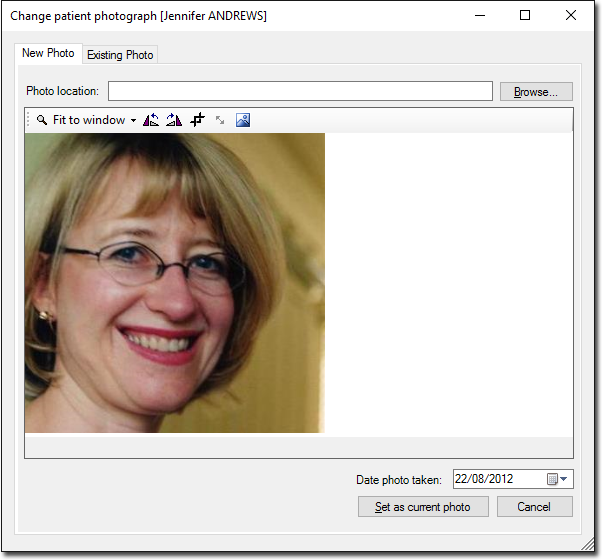
The Change Patient Photograph window appears. Edit the photo as desired.
-
(Optional) Indicate the date on which the photo was taken.
-
When you are ready to proceed, click Set as current photo to
save the photo to the patient's record. You will be returned to the patient's
Clinical Window, where the new photo will appear at the top right of the
window.
