
Importing Certificates into Clinical
Before you begin
Procedure
-
Within Clinical select tab.
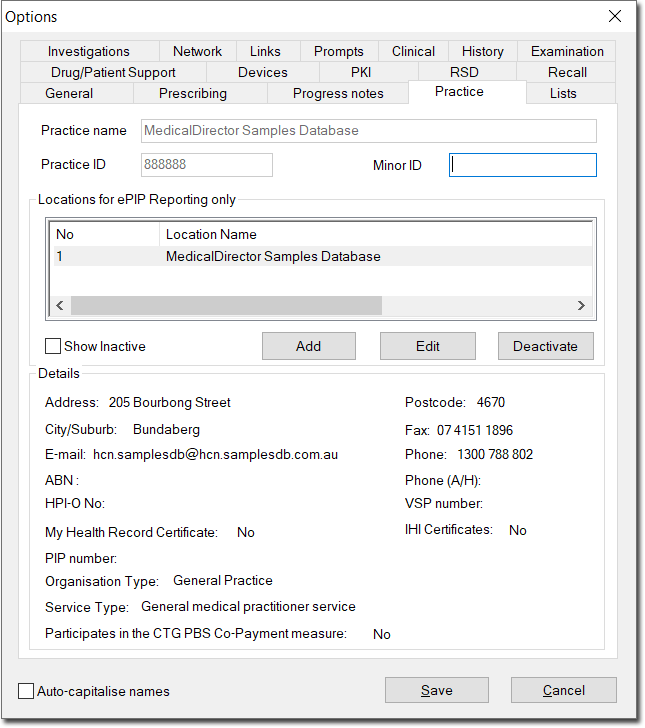
-
Select the practice you wish to import certificates for, and click

The Location Details window appears.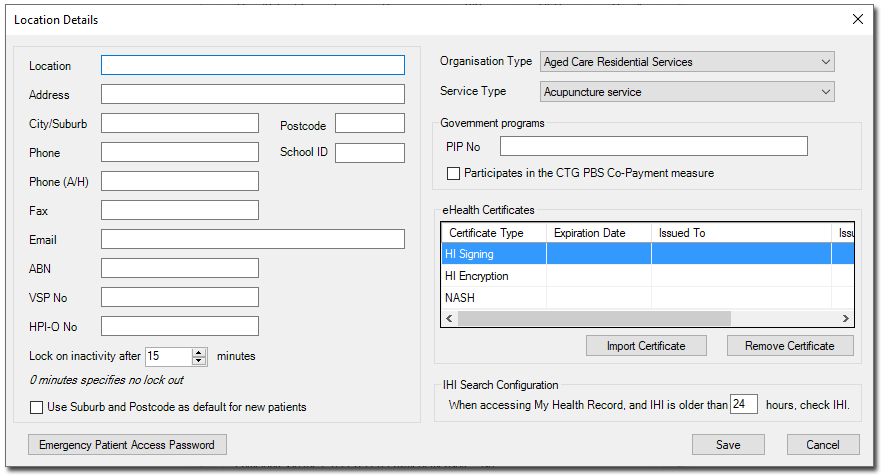
-
Click

The Import Certificate window appears.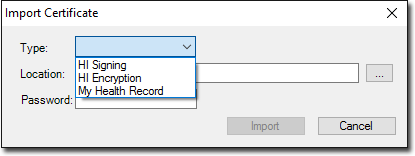
-
Click

to locate the My Health Record Certificate. You will be returned to the Import Certificate window. -
Click

and then
on the Options window.