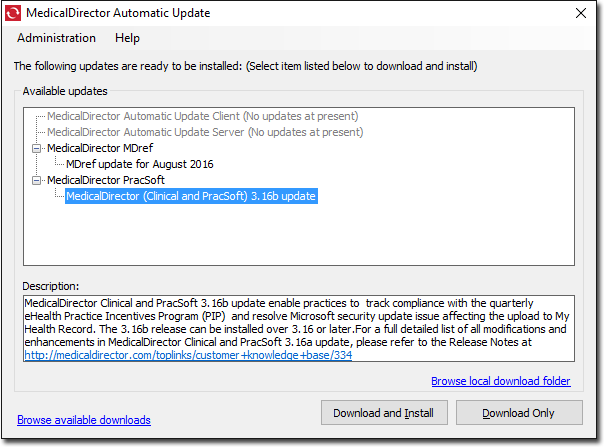
MedicalDirector Automatic Updates
Automatically download incremental updates for ClinicalPracsoft .
MedicalDirector releases incremental updates to its software applications from time to time.
These updates are provided to registered users, using either:
- MedicalDirector Automatic Update - uses your active internet connection to automatically download incremental updates for ClinicalPracsoftBluechip . The automatic update may also download and automatically install updated content for Clinical .
- MedicalDirector website - if you choose not to
use the MedicalDirector Automatic Update utility, you can
always download an incremental update manually from the MedicalDirector website.Note:After installing MedicalDirector Automatic Update, configure your firewall to allow it internet access to search for and download updates to MedicalDirector software.
Clinical comprises the actual program, and
supporting static data files. These data files are supplied and updated by MedicalDirector to all registered users. They contain
information such as medication pick lists, Product Information Sheets and drug
interaction data sets. MedicalDirector updates these
files on a monthly basis. These updates are provided via the web and the Automatic Updates system.