Creating and Editing Letters
Letters are created and edited with the Letter Writer.
Before you begin
Procedure
To write a letter:
-
Open the Letter Writer by either:
- Selecting from the Clinical front screen,
- Pressing F8,
- Clicking
 on the tool bar within the patient's Clinical
Window,
on the tool bar within the patient's Clinical
Window, - Selecting the Letters tab within the
patient's Clinical
Window, and clicking the
 button,
 - Selecting the Letters tab within the patient's Clinical Window, and clicking Add.
- Selecting the Correspondence tab within the patient's Clinical Window, clicking Add, and selecting Letter from the menu that appears.
-
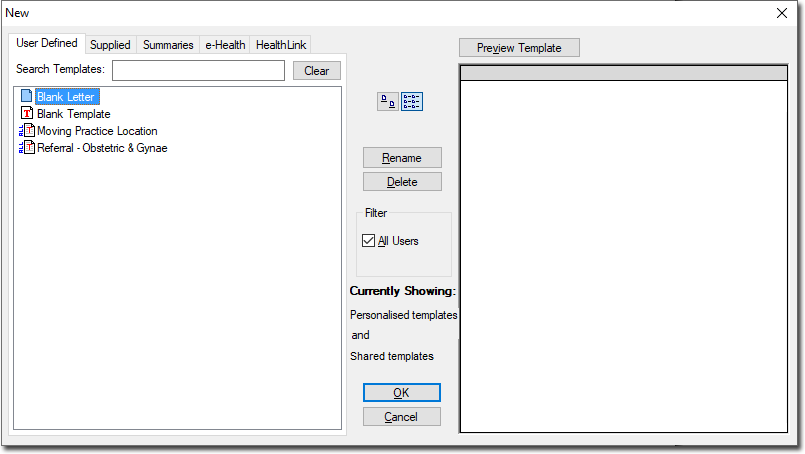
Within Letter Writer, to create a new letter either:
- Click
 New on the tool bar, or
 - Select
- Press CTRL+N
- Click
-