
Exporting Reports to Excel
Before you begin
Procedure
-
Select .
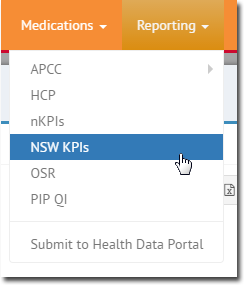
The report opens.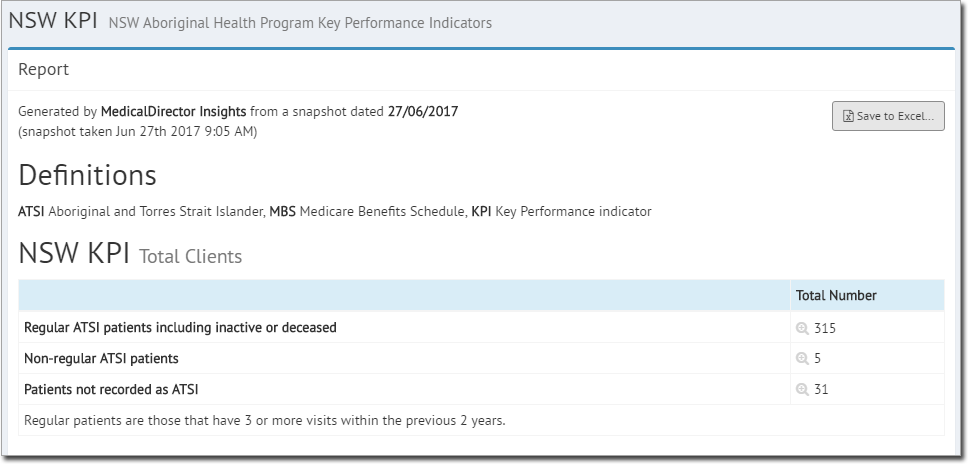
- Click Save to Excel..
-
You will be prompted to save the file. The file name will specify the report type,
report date, and the date on which the export was made, for example:
report NSWKPI on 20170627 created on 20170627.xlsx.
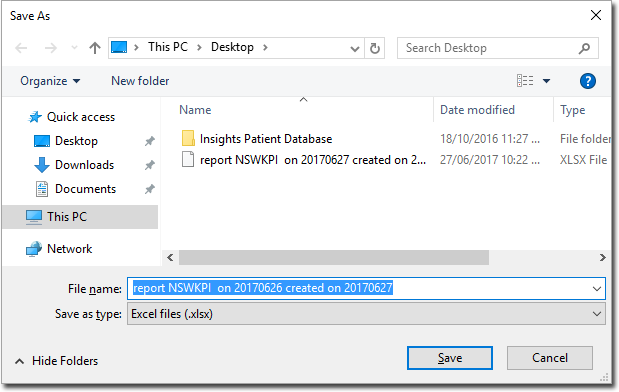
- Click Save.