
Viewing the Latest Report Data
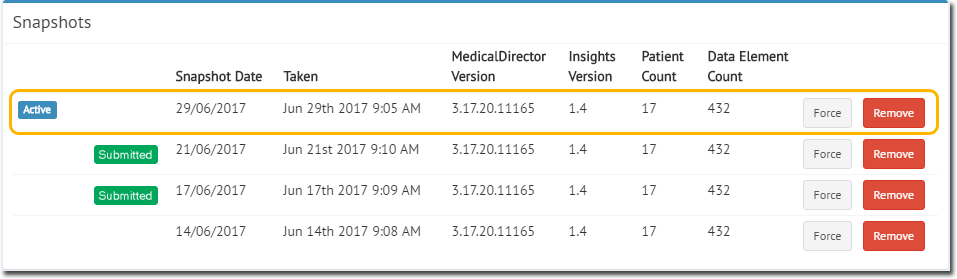
When you access reports in Insights, you are viewing data from the current, active collection of your patient database, which isn't necessarily the latest data. Create a new collection before you access the reports.
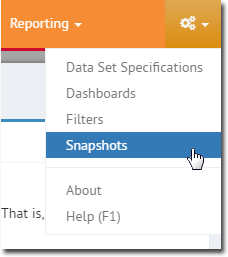
To view a list of snapshots, select  Settings and then click
Snapshots.
Settings and then click
Snapshots.
Settings and then click
Snapshots.For more information about creating a new collection with the latest data, refer to Collections .
A schedule for creating a quarterly collection of data is also provided. For more information, refer to Scheduling Collections for the Report.