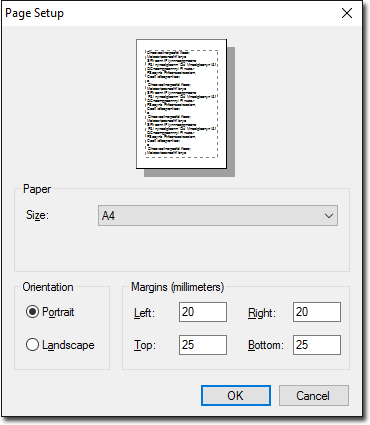
Printer Setup
Set up your printers to print to forms for prescriptions and request forms, and for plain paper printing.
Before you begin
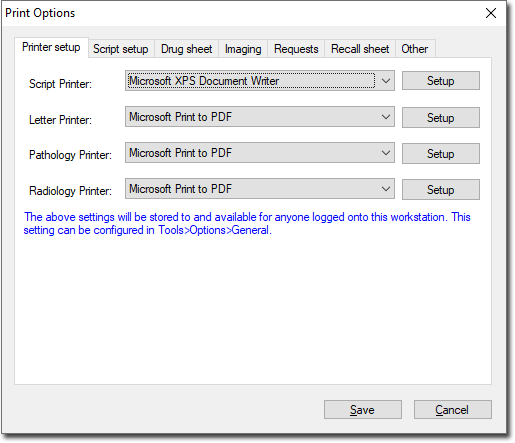
Set up printers on each computer on which you run Clinical. There are 4
different printer 'types':
- Script Printer - for Prescriptions.
- Letter Printer - for plain paper printing, such as Summaries and Assessments.
- Pathology Printer - for pathology requests.
- Radiology Printer - for imaging requests.
Each type of printing can be directed to the same printer (to different print trays if you choose), or up to four different printers on your network.
Procedure
To set up your printers:
-
In the Print Options window, select the Printer
Setup tab.
-
(Optional) Click Setup to specify the default page setup for
each printer.