
Registering for Pracsoft Appointment Reminders or Clinical Recall Reminders
Register so you can use reminders from within Clinical.
Before you begin
- Ensure you have an active Internet connection. If your organisation uses a proxy server to connect to the Internet and this requires authentication, have these details ready. Contact your system administrator for details if required.
- To top-up your SMS credits, follow the instructions on the MessageNet website here.
About this task
Procedure
- Select .
- In the Configure SMS Account Details window, click Register for SMS.
- In the Register SMS Reminders, window, enter a new username and password.
- Click Register.
-
Your Internet browser will open, and attempt to connect with the MessageNet web page for SMS registration.
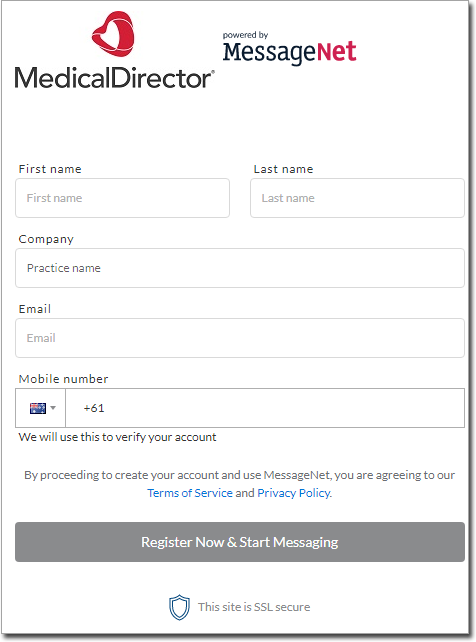
- In the registration form, enter your details.
- Click Register Now & Start Messaging. A verification email will be sent to the email address you entered in the registration form.
- After you receive the verification email, return to Clinical and click Verify Registration to verify and save your registration information.
- Click