
System Report
Print or email a system report.
Procedure
To view a report of your computer system:
-
Locate and double-click
 MedicalDirector Maintenance on your desktop.
-
In the MedicalDirector Maintenance window, double-click
 System Report.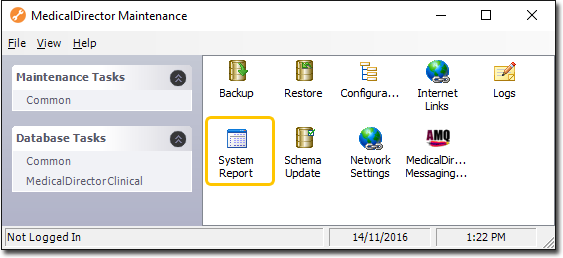
-
In the System Report window:
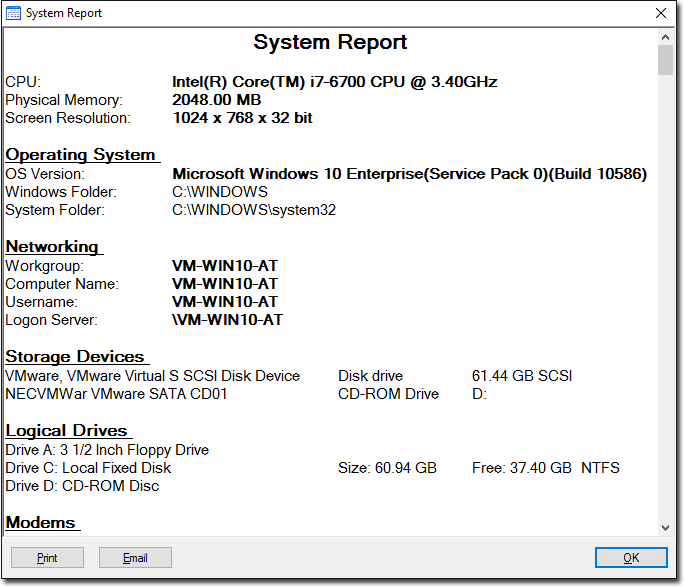
- Click Print to print or Email to email the system report.
- Click OK to close this window and return to the Maintenance Utility.