Managing Auto Text
Add, edit or delete auto text entries.
Procedure
-
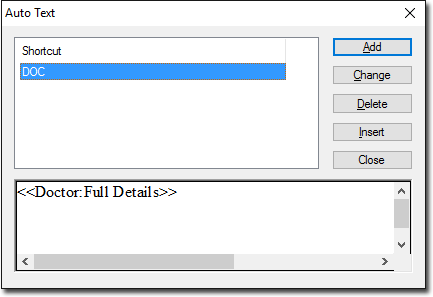
The Auto Text window appears.
Example
The following example shows how you can also insert Auto Text into your document by
typing the keyword shortcut associated with that Auto text entry.
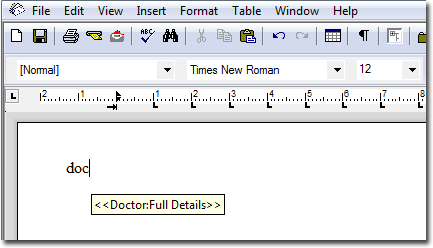
This example uses a keyword shortcut of doc. Upon typing this keyword, Letter Writer
would detect that the text you typed may relate to one of the Auto Text entries you have
created, and display a pop-up window containing the associated Auto Text. If you wanted
to add the Auto Text to your document, you would simply press the
ENTER key on your keyboard, and the Auto Text would be added
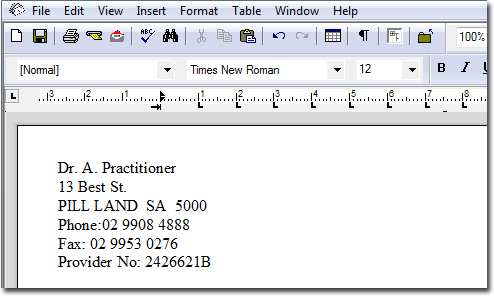
to the page automatically, as shown below.