
To Manage Configurations
Connect to a database on a new network.
Before you begin
Procedure
-
Locate and double-click
 MedicalDirector Maintenance on your desktop.
-
In the MedicalDirector Maintenance window, double-click
 Configuration .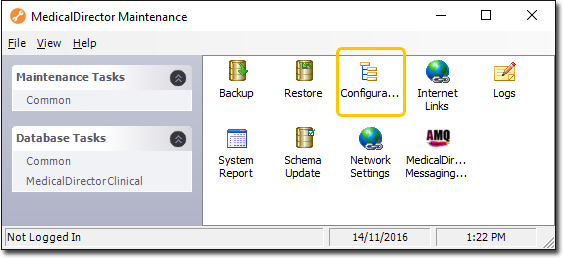
-
In the Configuration window, to connect to a new database
(if for example you are visiting a new surgery):
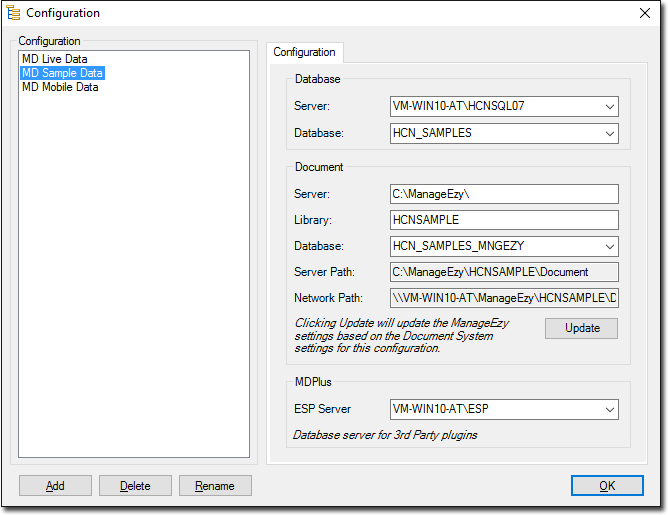
- Go to a computer on the new network, and run their Configuration utility. Make a note of the settings on their Configuration tab.
- Now on your computer, click Add on the Configuration window, name the new configuration and enter the settings you made a note of earlier.
- On your Configuration window click Update.
Results
Note:
You will not be able to log in until a User
account for this surgery's database has been created for you.