
Exporting Entire Reports
Export all data for a selected report.
Procedure
-
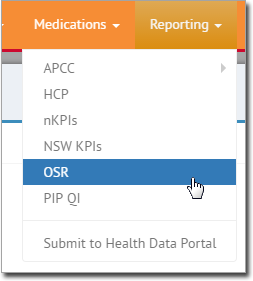
In Insights, select
Reporting and then select either
nKPIs, NSW KPIs, or
OSR.
-
In the report, click Save to Excel.
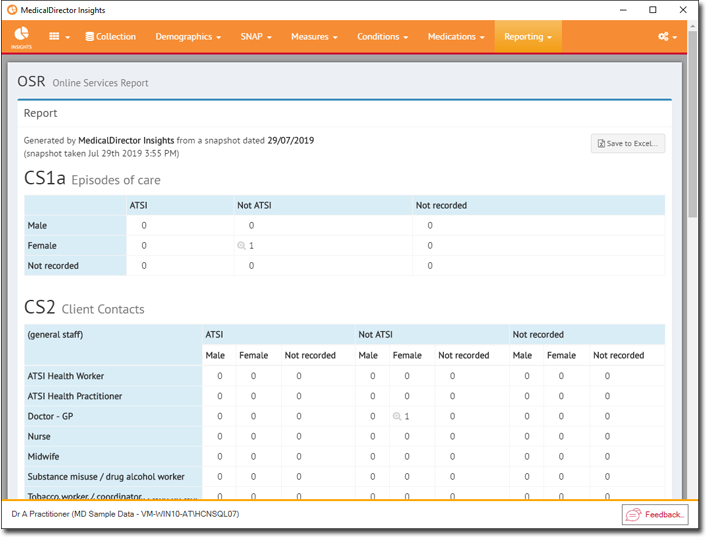
- Save the file.