Configure the Mail Merge Description box and
Queensland Workers Compensation Certificate print window.
About this task
Use the Other tab in the
Print Options window to display or hide the Mail Merge
Description box and Queensland Workers Compensation
Certificate window.
Procedure
To set up other print options:
-
From the MedicalDirector Clinical Homepage, select .
-
In the Print Options window, select the
Other tab.
-
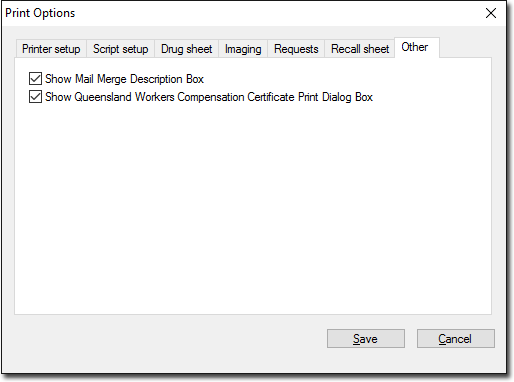
On the Other tab, set these options:
- Show Mail Merge Description Box - prompts you to enter
a description in the Mail Merge Description panel for each
mail merge you perform in Clinical. This
option links to the mail merge utility of MedicalDirector
Maintenance, which allows you to resume a failed mail merge print
run. For more information, refer to Mail Merge.
- Show Queensland Workers Compensation Certificate Print Dialog
Box - shows or hides the Queensland Workers
Compensation Certificate window to print the certificate.
-
Click Save.
Results
Settings for other print options are saved in the
Other tab.
