
Respiratory Function
Record respiratory function data and compare it against predicted height and sex, before and after broncho dilation.
About this task
Procedure
To record respiratory data:
-
To access the Respiratory function,
perform one of the following methods:
- On the Toolbar, click the
 Respiratory icon.
 - Press Ctrl+Alt+R.
- In the Clinical window, select .
- On the Toolbar, click the
-
Select any of the following tabs:
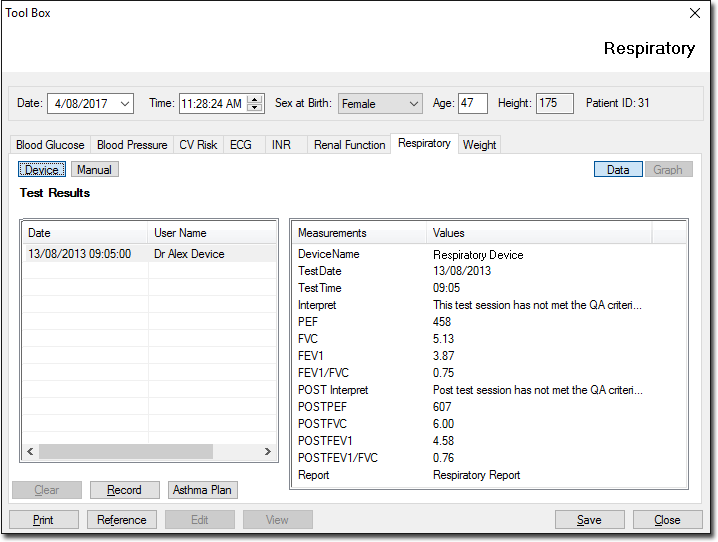
- Device - use a spirometer device to
record values.
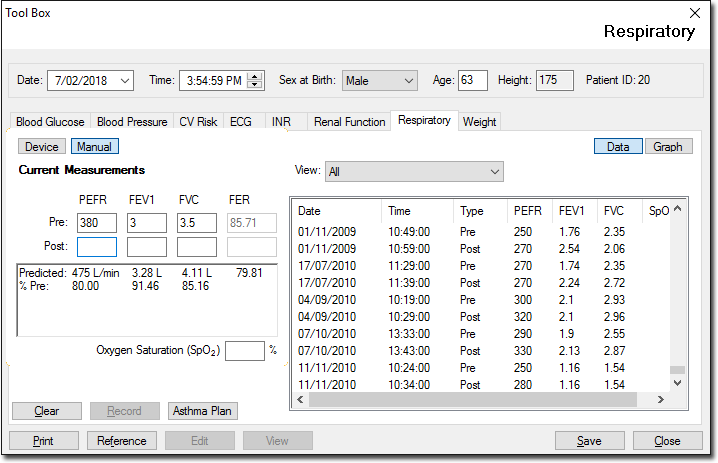
- Manual - manually enter the values
from the test report.
- Device - use a spirometer device to
record values.