Viewing Exported HTML Data
View exported HTML data in your web browser.
Before you begin
About this task
Procedure
To view exported HTML data:
-
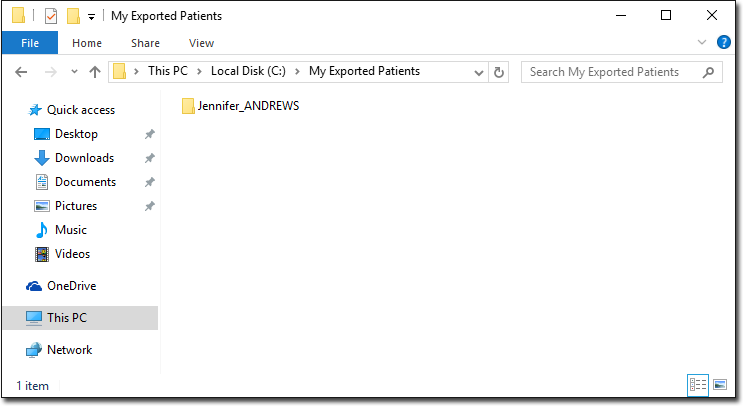
Browse to the folder location you created when exporting the patient data.
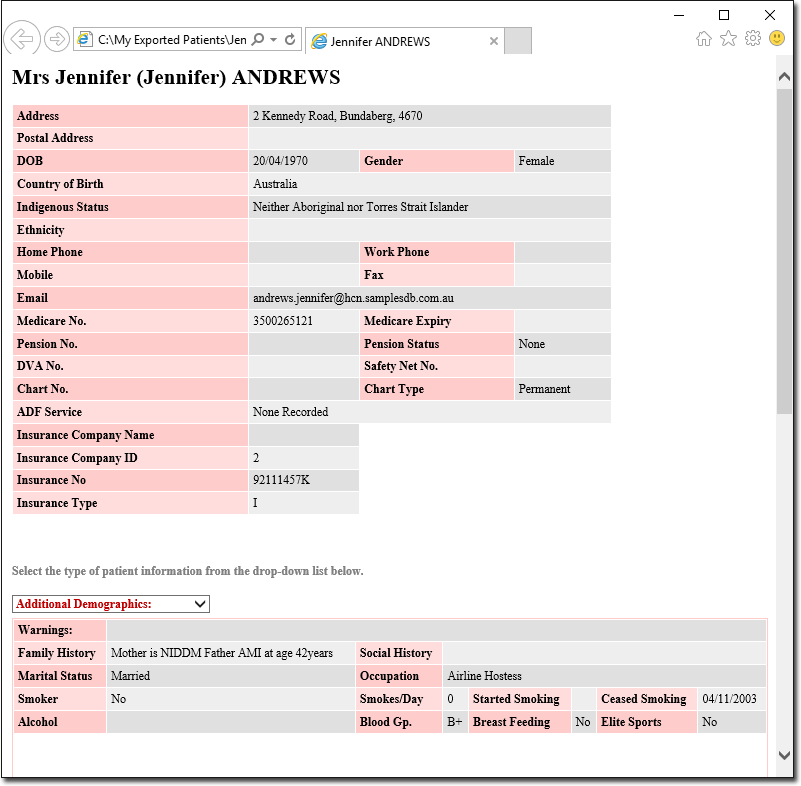
For example, we have exported a single patient record (Jennifer Andrews).
-
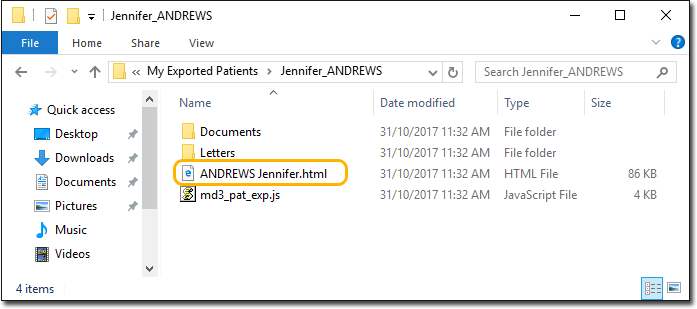
Open the folder and then locate and double-click the exported
.html file. For example, ANDREWS
JENNIFER.html.
Results
- The upper section of the page shows the patient's demographics.
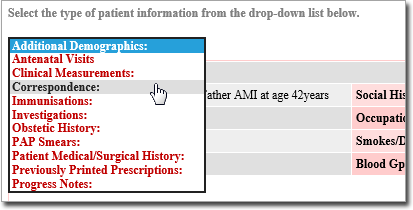
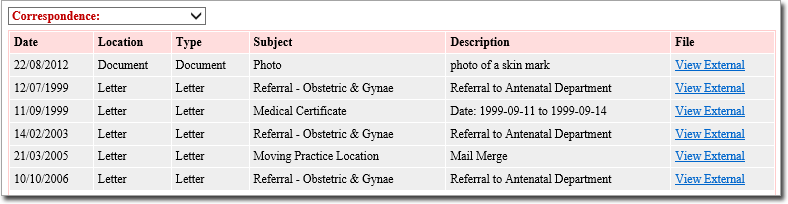
- The lower section shows additional information, filtered by the type of patient
information. For example, Additional Demographic.
What to do next